School Profile
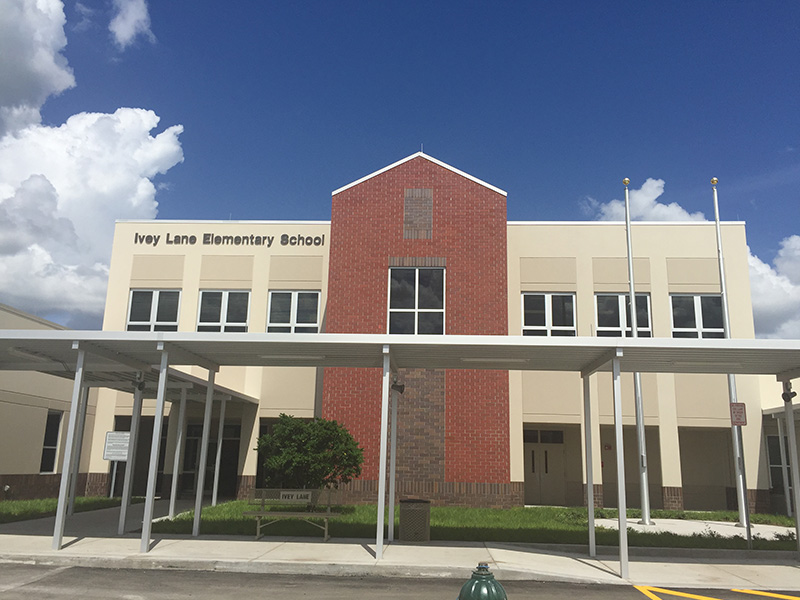
Vision: Every student graduates prepared and inspired for a thriving future.
Mission: Together with our families and community, we empower students with a superior academic experience, essential life skills, and boundless opportunities.
Address: 209 Silverton Street, Orlando, FL 32811
Phone: 407-296-6420
Principal: Gorsha L. Galbraith
Mascot: Knights
Colors: Black, Gold, Green
School Hours: 07:30 a.m. – 4:30 p.m.
Grades: ESE, VPK 4 – 5th
Principal’s Message

A Shared Commitment to the OCPS Way
At Ivey Lane Elementary, we are intentional about creating and sustaining a school culture where every student and staff member feels safe, valued, connected, and supported. Our culture is built upon common beliefs, shared values, meaningful traditions, and a collective commitment to student success.
Our Goal
To sustain a positive, schoolwide culture that promotes strong relationships, academic excellence, and the social-emotional well-being of every member of our school community.
What We Believe
At Ivey Lane, we are committed to:
- Ensuring every student has a meaningful connection with at least one caring adult on campus.
- Creating a strong sense of community, belonging, and school pride.
- Fostering confidence, resilience, and positivity in both students and staff.
- Building an environment where all individuals are respected, encouraged, and empowered to succeed.
Our Commitments
As a school family, we proudly commit to:
✅ Building positive relationships with all students every day.
✅ Holding high expectations for all learners.
✅ Supporting one another and working as a team.
These commitments guide our actions, shape our decisions, and strengthen our collective impact on student achievement.
What Success Looks Like
Through our shared efforts, we will cultivate:
- Strong, positive relationships among students, staff, and families.
- A consistent, supportive, and engaging school environment.
- Improved academic and behavioral outcomes for students.
- A unified staff aligned to common beliefs, expectations, and goals.
- A thriving school community where every child feels connected, capable, and inspired to succeed.
The Ivey Lane Way
Culture is not a program—it is who we are and how we work together every day. By reinforcing positive relationships, high expectations, and a commitment to teamwork, we ensure that Ivey Lane remains a place where students and staff can learn, grow, and thrive.
Together, we are building a school where everyone belongs, everyone matters, and every student can succeed. 💙💛
#IveyLaneProud #TheIveyLaneWay #EveryStudentEveryDay #iveylaneunited